Event Log
Use this screen to view Nebula Device (APs, Switches, Security Firewalls) log messages. You can filter the log messages by Nebula Device name, keyword, one or more event types, or a specified date/time or time range.
Click MSP > MSP cross-org manage > Event log to access this screen. Select to filter the organization and site managed by the MSP to display. Then, select the category(ies) of Nebula Devices (Access points, Switches, Firewall). Each site may support multiple Nebula Device types.
MSP > MSP cross-org manage > Event log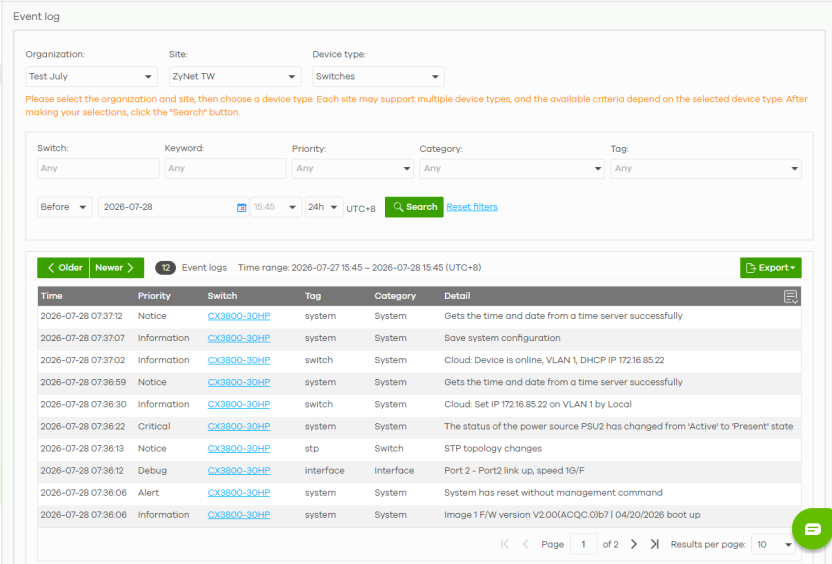
See Site-wide > Monitor > Access points / Switches / Firewall > Event log for more information on the labels in this screen.