Backup/Restore
Backup/Restore Overview
Information related to factory default settings and backup configuration are shown in this screen. You can also use this to restore Zyxel Device’s previous configurations.
Backup/Restore
Click Maintenance > Backup/Restore. Information related to factory defaults, backup configuration, and restoring configuration appears in this screen, as shown next.
Maintenance > Backup/Restore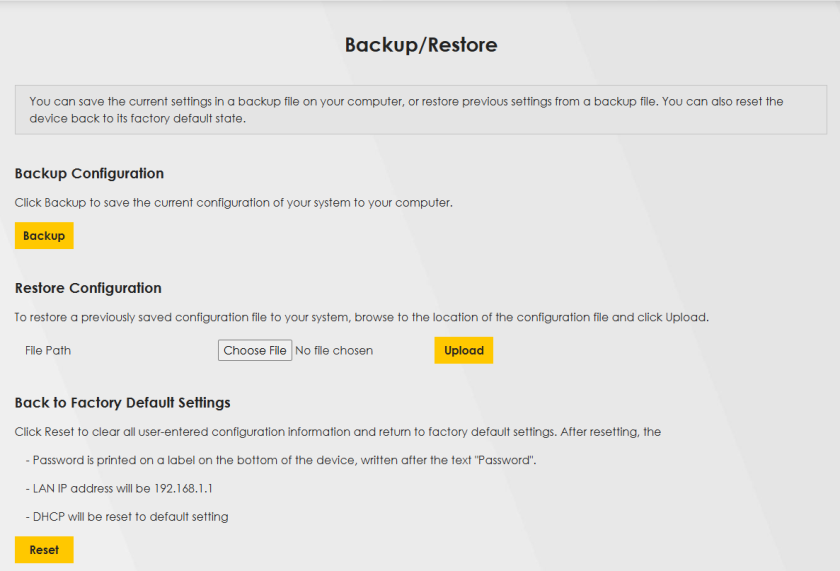
Backup Configuration
Backup Configuration allows you to back up (save) the Zyxel Device’s current configuration to a file on your computer. Once your Zyxel Device is configured and functioning properly, it is highly recommended that you back up your configuration file before making configuration changes. The backup configuration file will be useful in case you need to return to your previous settings.
Click Backup to save the Zyxel Device’s current configuration to your computer.
Restore Configuration
Restore Configuration allows you to upload a new or previously saved configuration file from your computer to your Zyxel Device.
Label | Description |
|---|---|
File Path | the location of the file you want to upload in this field or click Choose File / Browse to find it. |
Choose File / Browse | Click this to find the file you want to upload. Remember that you must decompress compressed (.ZIP) files before you can upload them. |
Upload | Click this to begin the upload process. |
Reset | Click this to reset your settings back to the factory default.Zyxel Device |
Do not turn off the Zyxel Device while configuration file upload is in progress.
After the Zyxel Device configuration has been restored successfully, the login screen appears. Login again to restart the Zyxel Device.
The Zyxel Device automatically restarts in this time, causing a temporary network disconnect. In some operating systems, you may see the following icon on your desktop.
Network Temporarily Disconnected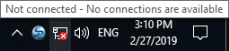
If you restore the default configuration, you may need to change the IP address of your computer to be in the same subnet as that of the default Zyxel Device IP address (192.168.1.1 – 192.168.1.254).
If the upload was not successful, an error screen will appear. Click OK to go back to the Configuration screen.
Configuration Upload Error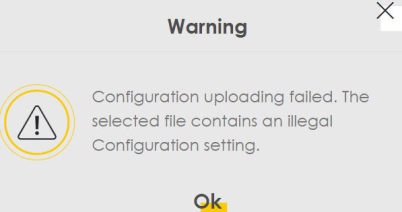
Back to Factory Default Settings
Click the Reset All Settings button to clear all user-entered configuration information and return the Zyxel Device to its factory defaults. The following warning screen appears.
Reset Warning Message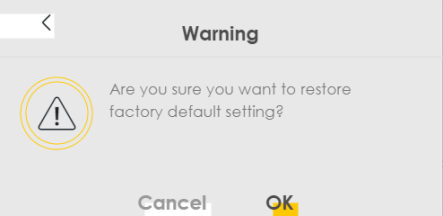
Reset In Progress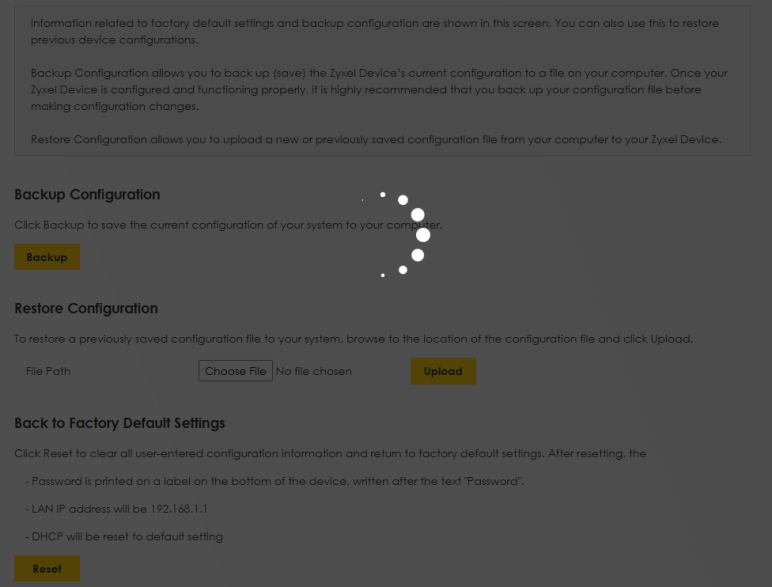
You can also press the Reset button on the Zyxel Device to reset the Zyxel Device to the factory defaults.
Reboot
For Zyxel Device supports mesh, this page displays Mesh Reboot. For Zyxel Device doesn’t not support mesh, this page displays System Reboot,
System Reboot
System Reboot allows you to restart the Zyxel Device remotely without turning the power off. You may need to do this if the Zyxel Device hangs, for example. This does not affect the Zyxel Device's configuration.
Go to Maintenance > Reboot. Click Reboot to have the Zyxel Device restart.
Maintenance > Reboot > System Reboot
Schedule Reboot
Use the Schedule Reboot screen to schedule the date and time to reboot the Zyxel Device remotely without turning the power off. You can also select a specific day of the week and time to periodically reboot the Zyxel Device remotely.
Click Maintenance > Reboot > Schedule Reboot to open the following screen.
Maintenance > Reboot > Schedule Reboot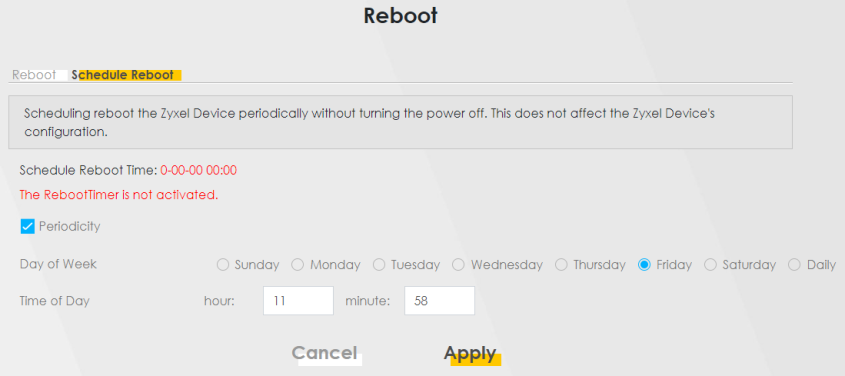
The following table describes the labels in this screen.
Label | Description |
|---|---|
Periodicity | Select this to have the Zyxel Device periodically. |
Day of Week | Select the day of the week to apply periodic rebooting. Day of Week is not available when the previous field is not selected. |
Time of Date | Select the date of the year that you plan to reboot the Zyxel Device remotely. |
Time of Day | Select the time of the day that you plan to reboot the Zyxel Device remotely. |
Cancel | Click Cancel to close the window with changes unsaved. |
Apply | Click Apply to save the changes back to the Zyxel Device. |