System Log
System Log Overview
A log message stores the system history information for viewing.
System Log
Click MONITOR > System Log > System Log in the navigation panel to open this screen. Use this screen to check current system logs.
 When a log reaches the maximum number of log messages, new log messages automatically overwrite existing log messages, starting with the oldest existing log message first.
MONITOR > System Log > System Log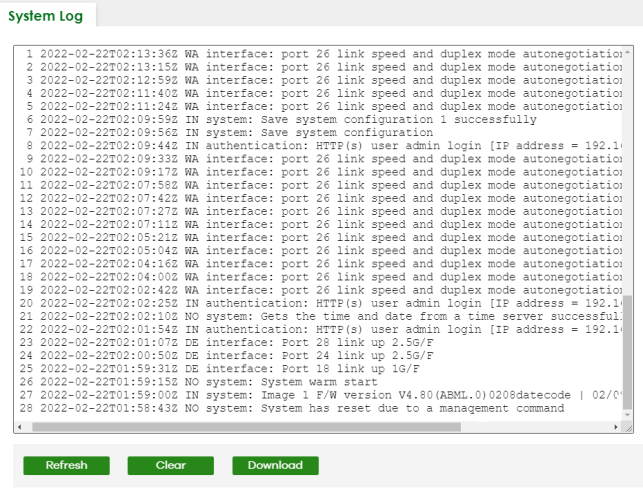
The summary table shows the time the log message was recorded and the reason the log message was generated. Click Refresh to update this screen. Click Clear to clear the whole log, regardless of what is currently displayed on the screen. Click Download to save the log to your computer.